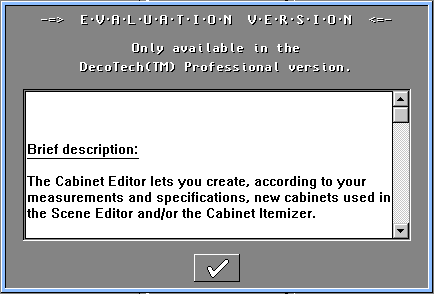
2- When I start a DecoTech
application, I get an "Evaluation Version" window.By
default, all DecoTech applications run in evaluation mode unless you
had specified a Serial Number and a
Numerical Key during the
installation.
Some applications are available in the
DecoTech Designer and
DecoTech Professional
software.
Some other applications are available only in the
DecoTech Professional software.
DecoTech Designer and DecoTech Professional
software :
If you have purchased and installed
the
DecoTech software and you still get this Evaluation Version
window, it is because you have forgotten or mistyped your
Serial Number and/or
your Numerical Key during the installation. Simply
reinstall the
DecoTech software and take attention when you enter your
Serial Number and
Numerical Key.
DecoTech Designer
software only :
It is also possible that the
application you are trying to run is simply not included in the package that you
have purchased. If this application is not exclusive to the
DecoTech Professional software, you can purchase it
separately. If you do so, you will receive another
Numerical Key
that you will need to enter via the Optional Add-ons
application to convert the corresponding application to a full operational
version.

|