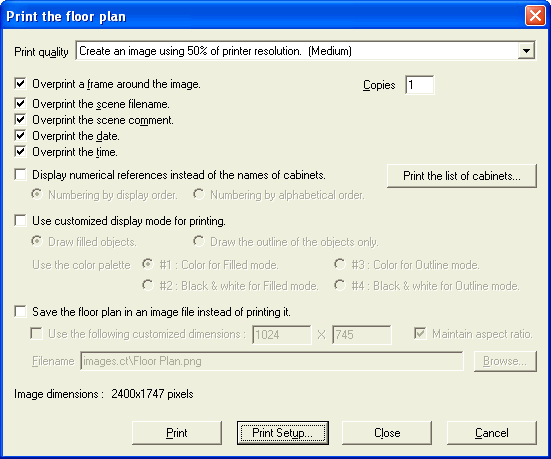
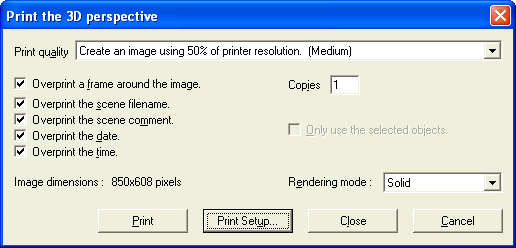
4- When I print a floor plan or a 3D perspective, the image does not use the full page.
DecoTech v6.xx now remembers the
last configuration you set for each kind of printout. So you
must configure the floor plan printout separately from the 3D
perspective printout.
To do so, click the
Print Setup
button located at the right of the Print button in the
Print
the floor plan or in the Print the 3D perspective window.
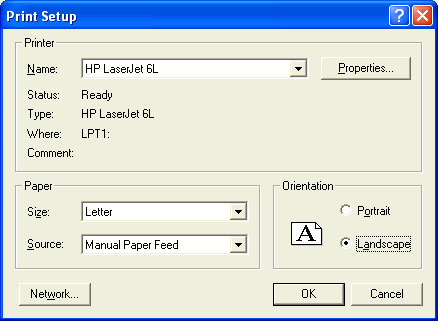
The previous DecoTech version 5.xx was
always using the Portrait orientation but the printed image was
also always rotated automatically. DecoTech version 6.xx now offers
you the choice. To obtain the same printout result as DecoTech
version 5.xx did, set the paper orientation to
Landscape.
See also
topic #13 for a similar
trouble. 
|